Ingest
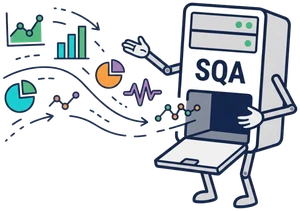
Collect key streaming metrics directly from your viewers' and publishers' devices. After all, they're the ones who know what's really happening with their streams.


Platform · Product
Collect WebRTC metrics from publishers and viewers and analyze stream quality on infrastructure under your control.
Your audience is growing. Hundreds of streams, maybe even thousands. Viewers, publishers, and not everyone has a perfect connection. Then the support tickets start rolling in.
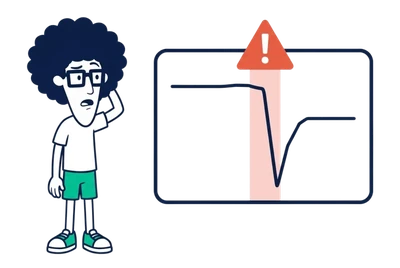
“My stream keeps freezing. What am I doing wrong?” “All I see is a black screen. How do I fix it?” So, what’s actually happening with the stream?
That’s where Stream Quality Analytics (SQA) comes in. It helps you understand what’s going on with every stream, so you can find the problem instead of guessing.
Ingest · Store · Analyze · Observe
Collect key streaming metrics directly from your viewers' and publishers' devices. After all, they're the ones who know what's really happening with their streams.
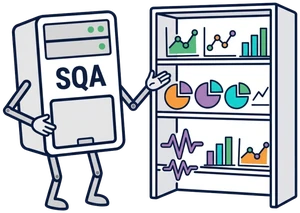
Store streaming metrics on your servers for historical analysis. Revisit any stream and analyze its performance again, even long after it has ended.

Analyze every stream with clear visual indicators. If something goes wrong, the analyzer will help you spot the problem.

Some streams deserve a closer look. Monitor them in real time and see exactly what's happening as it happens.
Streaming metrics arrive directly from users’ devices as they publish or watch streams.
For high-traffic workloads, a Load Balancer distributes incoming metrics across two or more Ingest nodes.
All metrics are stored in a time-series database, where the Analyzer can access them for historical investigations or real-time stream quality monitoring.
Stream Quality Analytics backend. Metrics from viewers' and publishers' devices reach the Load Balancer, which distributes them between Ingest 1 and Ingest 2. Each Ingest node writes the metrics to Store and also passes them directly to the Analyzer, bypassing Store. The Analyzer reads stored metrics from Store and passes the results to the Admin.
Where do streaming metrics come from, and how do they reach Ingest?
It all starts with WebRTC statistics. Every 3 seconds, the application collects a snapshot of the stream’s performance.
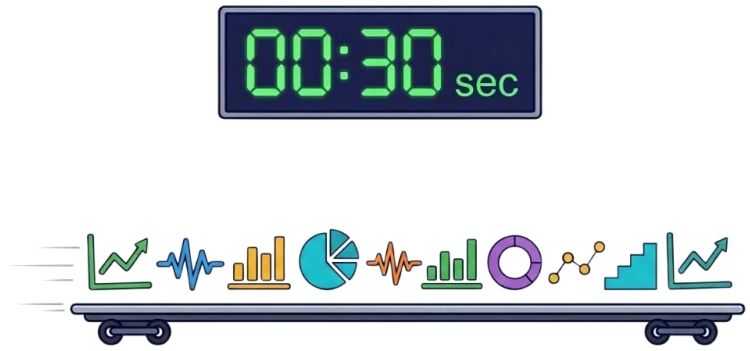
After collecting 10 snapshots, it bundles them into a single batch and sends it to Ingest.
One batch. Ten snapshots. Thirty seconds of streaming history.
Web SDK Metrics
Just add the lightweight flashphoner-metrics.js library, configure your Ingest URL, and you’re good to go.

Android SDK Metrics
No extra libraries needed. Just configure metrics delivery and let the SDK do the work.

iOS SDK Metrics
No additional dependencies. Everything you need is already there.

Metrics API
The metrics format and delivery protocol are open, so you can send metrics directly from your application without additional SDK dependencies.
Use your own metrics producer and integrate SQA with any compatible WebRTC application.
There are hundreds of streaming metrics. But some tell us much more than others.
Here are our top 10 metrics that help you understand stream quality, spot problems, and figure out what might be going wrong.

Time to bring your first SQA online! You’ve explored the SQA architecture and probably have a pretty good idea of what you need.
With LLcast, it takes just three steps.
Start by designing your SQA architecture. LLcast helps you put together a deployment plan using the same familiar diagrams you’ve just explored.
Stream Quality Analytics backend. Metrics from viewers' and publishers' devices reach the Load Balancer, which distributes them between Ingest 1 and Ingest 2. Each Ingest node writes the metrics to Store and also passes them directly to the Analyzer, bypassing Store. The Analyzer reads stored metrics from Store and passes the results to the Admin.
Your SQA plan is ready. Now assign a real compute resource to each node — an instance on AWS or DigitalOcean, or one of your own servers.
Stream Quality Analytics backend. Metrics from viewers' and publishers' devices reach the Load Balancer, which distributes them between Ingest 1 and Ingest 2. Each Ingest node writes the metrics to Store and also passes them directly to the Analyzer, bypassing Store. The Analyzer reads stored metrics from Store and passes the results to the Admin.
Take one last look at your setup. Need to change something? Just go back and make adjustments.
Everything looks good? Hit Deploy and grab a coffee. LLcast takes care of the rest, and your SQA should be ready for testing in just a few minutes.

Your SQA is up and running, glowing a beautiful green: Healthy.
Now it’s time to feed this hungry monster some metrics. Let’s go!
Want to collect metrics from different projects or applications? No problem!
Create a separate Ingest Point for each one. Every Ingest Point gets its own unique URL for receiving metrics.
Configure your Web SDK, Android SDK, iOS SDK, or your own application to send metrics to the new Ingest Point.
That’s it! Your SQA is ready to receive metrics.
Now comes the interesting part!
Open SQA and watch your streams in real time, or dive into their history to investigate what happened.
It’s easier to show than explain. Take a look at the screenshots below!
Always wanted to track stream quality but didn’t know where to start? Design your Stream Quality Analytics, choose your infrastructure, and let LLcast handle the deployment. Your streams have a story to tell. Time to listen!