
1. Connect your infrastructure
Your API or SSH key gets LLcast started.
Connect your infrastructure, turn the key, and let LLcast do what it was built to do.


Low-Latency WebRTC & Streaming Infrastructure
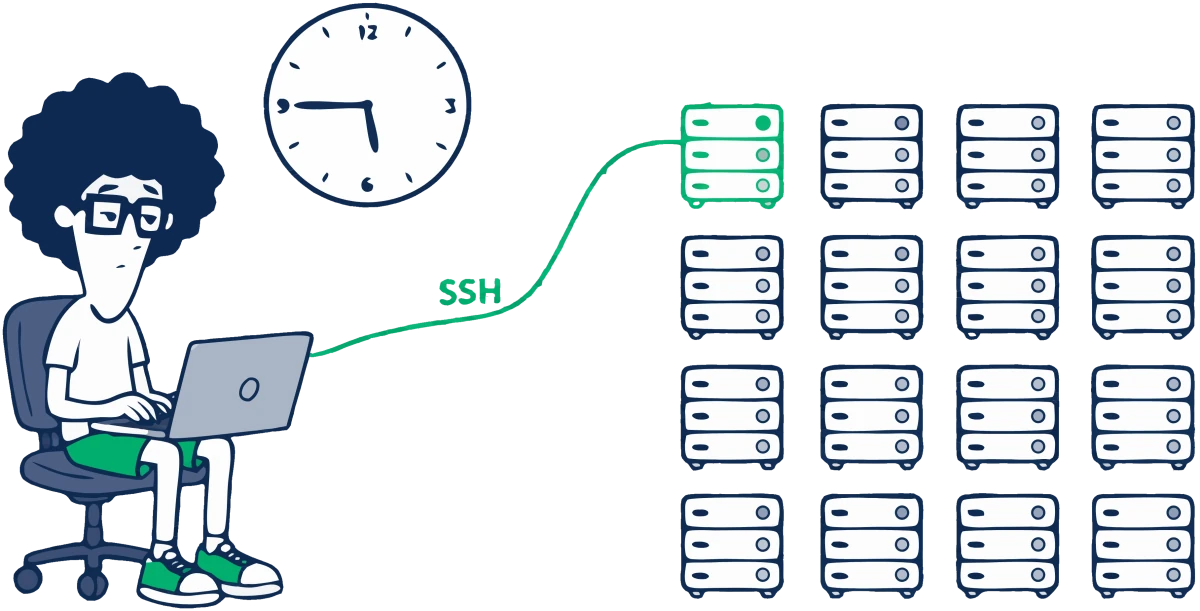
Managing even a single streaming server takes Linux administration skills, time, and a fair bit of learning.
But what if you have dozens of servers? What if they form a cluster, with complex configurations and dependencies between them? Things can get complicated pretty quickly.
That’s where LLcast comes in. It deploys, configures, and manages your WebRTC media servers, streaming CDNs, and real-time communication infrastructure — whether you’re building live broadcasts, webinars, video chats, messengers, interviews, or video surveillance systems.
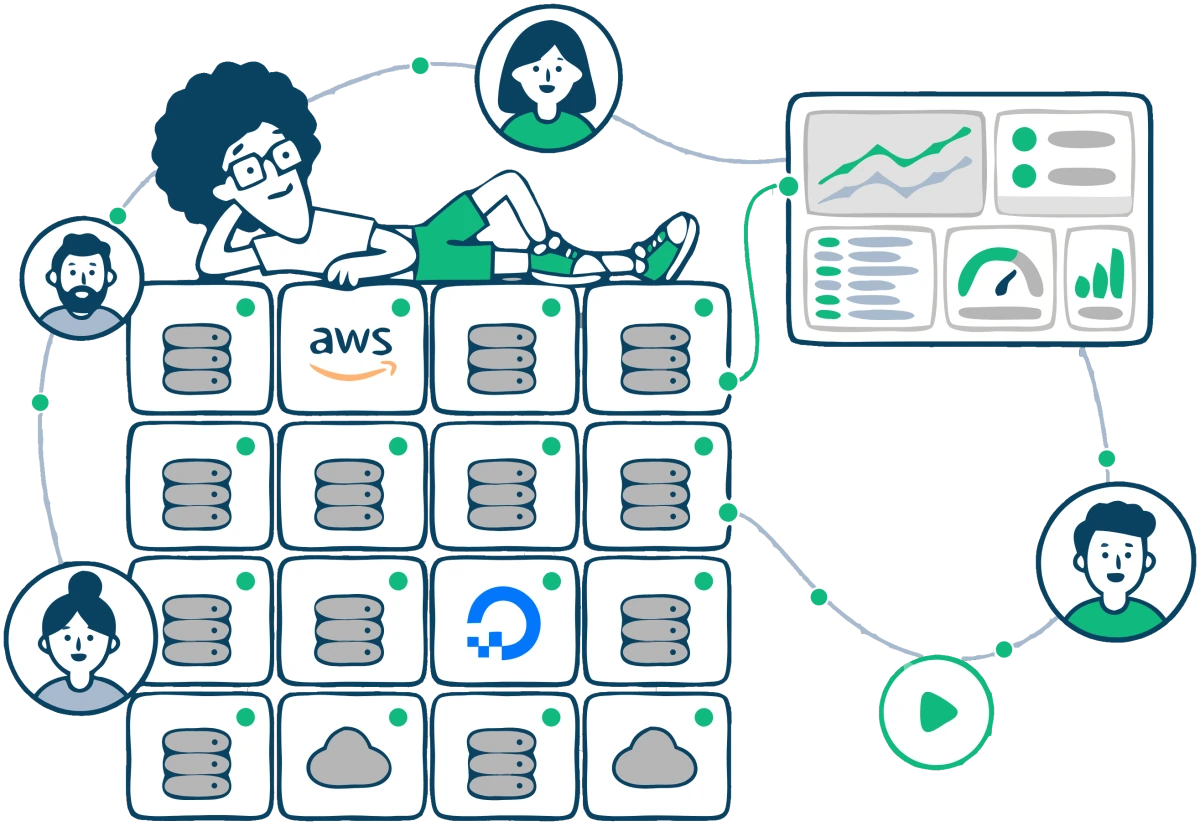
Your infrastructure. AWS, DigitalOcean, or your own servers. Managed by LLcast.
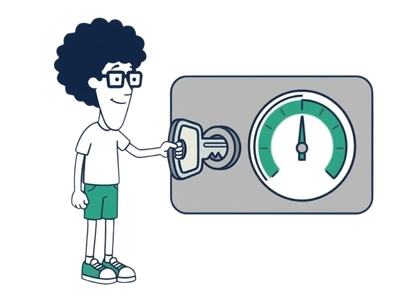
Hi, I’m Ellis. And you know why I’m holding my head?
One media server is easy. Production is where the work starts. More nodes bring topology, transcoding, load balancing, monitoring, configuration, upgrades, analytics, storage, and failure handling.
At some point, the scripts around your streaming platform become a platform of their own.
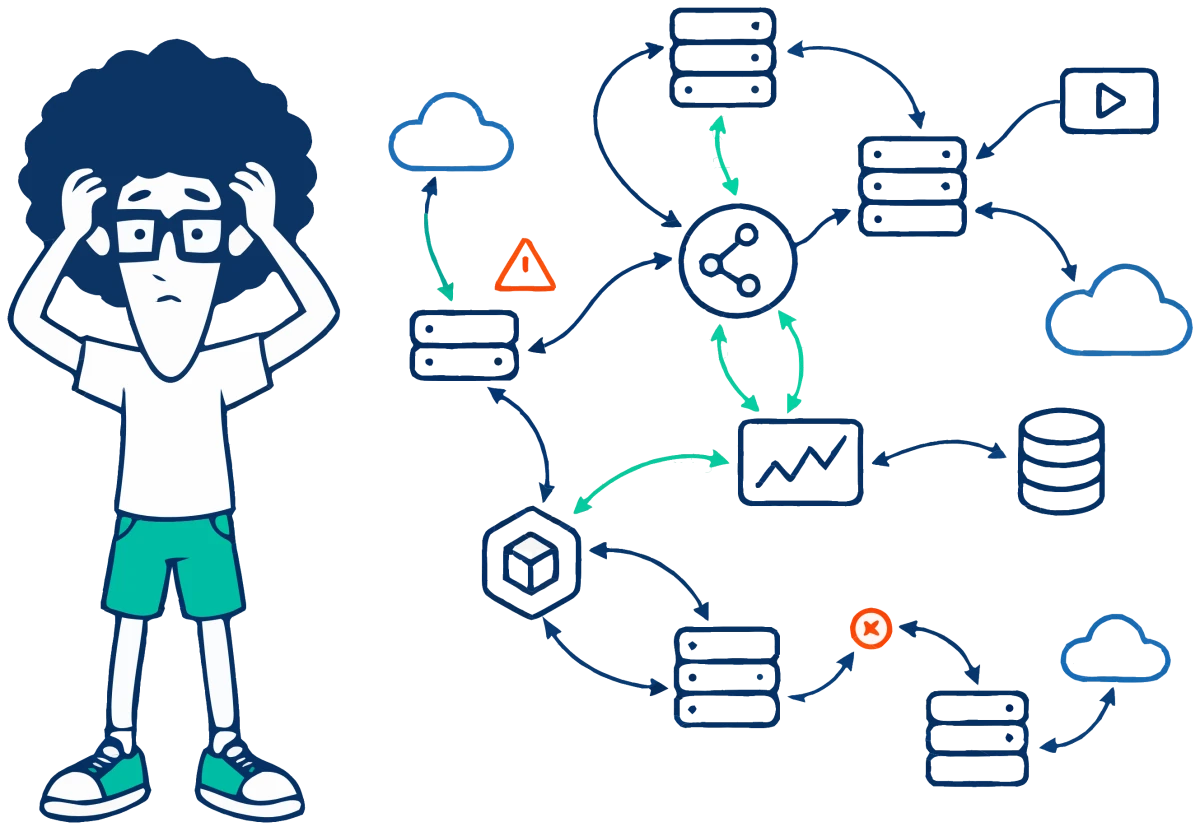
LLcast is that layer, already built and maintained — so your team works on the streaming service instead of the orchestration around it.
LLcast is a control plane for deploying and managing WebRTC, low-latency streaming, and real-time communications infrastructure.
Start with a single media server and expand to a distributed CDN, Stream Quality Analytics, or a complete Zapp On-Premise deployment — without building your own orchestration platform.
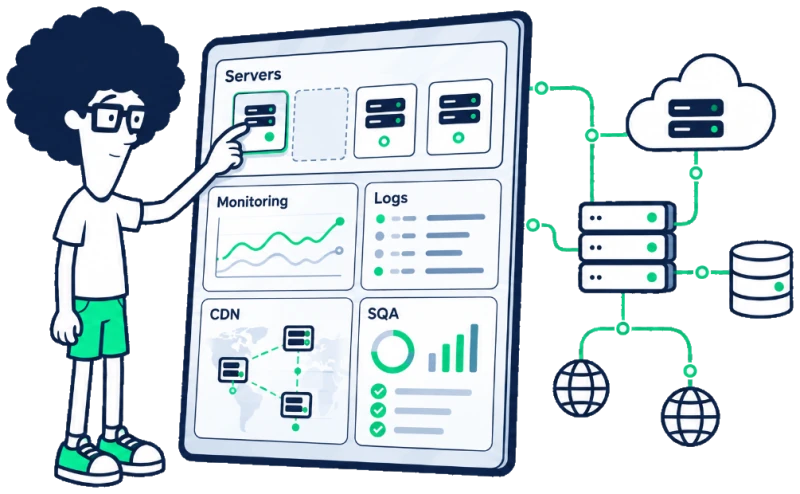
Give LLcast access to your servers and it takes care of the streaming setup for you.
Instead of deciding where to put a load balancer, how many Edge servers you need, or how to configure them, LLcast recommends best-practice options and deploys them for you.
You stay in control while LLcast handles the setup and gives you everything you need to manage and monitor the system.
Your API or SSH key gets LLcast started.
Connect your infrastructure, turn the key, and let LLcast do what it was built to do.
Start with a single Media Server or build an entire Streaming CDN.
Need Stream Quality Analytics or your own on-premise video calling platform? Just choose what you need.

You’re all set — your streaming system is up and running.
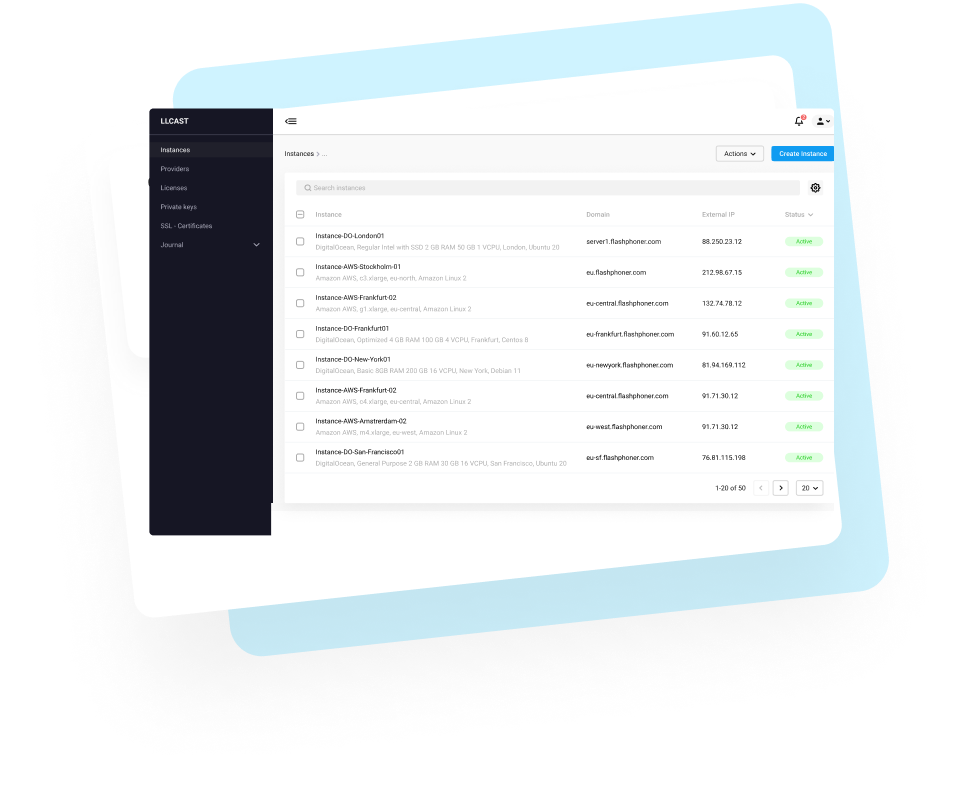
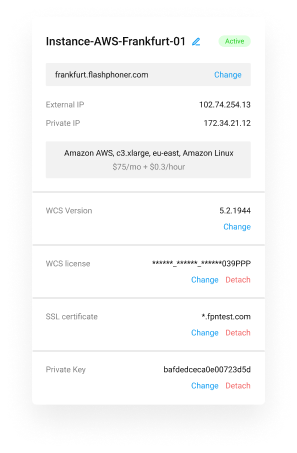
Monitor it, manage it, and control every component. Everything you need is right at your fingertips.

Each product is a managed workload on your infrastructure: deployed, configured, and monitored from the same place, whether it is one node or a whole network.
Media Server
Low-latency WebRTC and multi-protocol media servers powered by Flashphoner WebCallServer, installed and configured on the servers you choose.
WebRTC · RTMP · HLS · RTSP · Transcoding
Explore Media Server
Streaming CDN
Add Origin, Transcoder, and Edge nodes as your streaming network grows. LLcast handles deployment, configuration, topology, and monitoring.
Origin · Transcoder · Edge · WebRTC · HLS
Explore Streaming CDN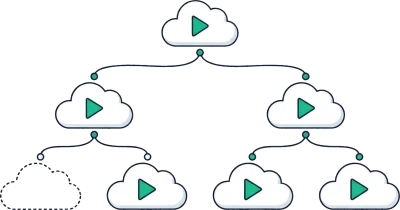
Stream Quality Analytics
Collect WebRTC metrics from publishers and viewers and analyze stream quality with services that run on your infrastructure.
Ingest · Store · Analyze · Monitor
Explore Stream Quality Analytics
Zapp On-Premise
A complete Zapp Messenger environment: server roles, messaging database, object storage, identity service, and desktop and web clients.
Messaging · SFU · Recording · Storage · Identity
Explore Zapp On-Premise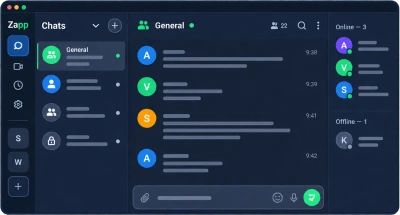
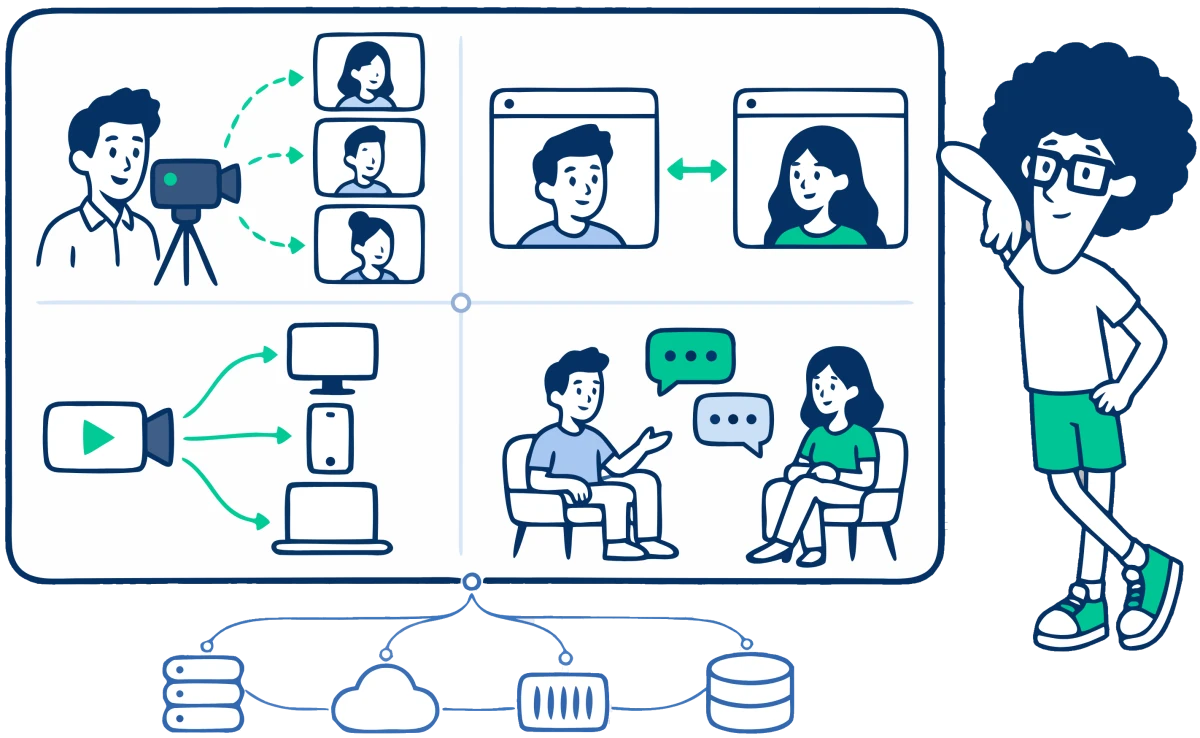
Terraform, Ansible, and Docker are great at what they do. But streaming infrastructure comes with its own challenges: media servers, CDN topology, stream monitoring, quality analytics, and interconnected services.
That’s where LLcast takes over.
Terraform provisions virtual machines, networks, and cloud resources.
LLcast takes those resources and turns them into a working streaming infrastructure.

Ansible installs and configures whatever you tell it to. You write the automation and define how everything fits together.
LLcast deploys and configures streaming components for you, connecting them into a ready-to-use system.

Docker packages and runs applications in containers, managing their execution and lifecycle.
LLcast deploys complete streaming services, including the media components, monitoring, management, and supporting infrastructure they need to work together.

LLcast manages your streaming infrastructure on your behalf.
The animated green arrows from the LLcast circle show how LLcast manages your streaming components.
Stream Quality Analytics backend. Metrics from viewers' and publishers' devices reach the Load Balancer, which distributes them between Ingest 1 and Ingest 2. Each Ingest node writes the metrics to Store and also passes them directly to the Analyzer, bypassing Store. The Analyzer reads stored metrics from Store and passes the results to the Admin.
Zapp deployment plan: two Signaling nodes, one Media node, S3 Storage and the Database. The Signaling nodes are linked to each other and, over a shared bus, to S3 Storage, the Database and Media. Bob connects to Signaling 1 and Alice to Signaling 2, and their voice goes to Media.
Your servers. Your cloud account. Your traffic. Your data.
LLcast manages the infrastructure without moving your workloads into somebody else's cloud. It is the management layer, not another infrastructure provider.
Compute, storage, network traffic, and application data stay in the AWS or DigitalOcean account, or on the physical and virtual servers, that you choose.
Run LLcast-managed workloads on EC2 instances in your own AWS account.


Run LLcast-managed workloads on Droplets in your own DigitalOcean account.

Connect compatible Linux servers on physical hardware or virtual machines you operate.

Run WebRTC and low-latency streaming infrastructure with the protocols and media-processing capabilities required by production streaming systems.

Integrate real-time video into web and mobile applications using WCS SDKs and APIs while LLcast manages the infrastructure behind them.
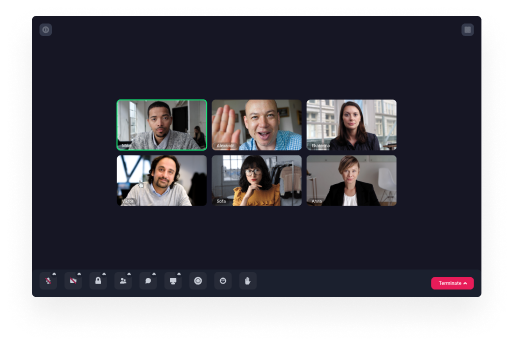
Publish live video from browsers, mobile applications, IP cameras, or professional streaming sources and deliver it to viewers with low latency.
Learn more →Add real-time two-way video and audio communication to web and mobile applications.
Build multi-user video conferences backed by infrastructure under your control.
Create interactive webinars with live video, audio, screen sharing, and large audiences.
Record live streams and conferences on your own infrastructure and keep control of the resulting media files.
Learn more →Stream screens with low latency for collaboration, support, education, and presentations.
Learn more →Connect IP cameras and deliver their streams to browsers and mobile applications.
Learn more →Pricing

See every node and its role. Add servers, manage topology, monitor health, and operate the system from the LLcast control plane.
LLcast is a streaming and real-time communications infrastructure management platform for deploying and managing Flashphoner WCS media servers, multi-node streaming CDNs, Stream Quality Analytics, and supported application infrastructure on AWS, DigitalOcean, and customer-controlled infrastructure.
LLcast manages servers rather than replacing your infrastructure provider. You can use supported cloud providers such as AWS and DigitalOcean or connect compatible private servers.
Yes. LLcast can manage compatible Linux servers running on physical hardware or virtual machines.
LLcast can deploy and manage Flashphoner WCS media servers, multi-node streaming CDN infrastructure, Stream Quality Analytics, and supported application stacks such as Zapp On-Premise.
Terraform and Ansible are general-purpose infrastructure automation tools. LLcast adds domain-specific orchestration for streaming and real-time communications infrastructure, including WCS deployment and configuration, CDN roles and topology, streaming monitoring, Stream Quality Analytics, and supported application stacks.
LLcast charges 10% of the managed infrastructure price. For supported cloud providers, the calculation uses the standard public price of managed instances. For custom infrastructure, LLcast calculates a reference price from allocated vCPU and RAM. Product-specific software licensing, where applicable, is separate from the LLcast infrastructure-management fee.
No. LLcast does not add per-viewer, per-stream, streaming-minute, or LLcast traffic fees. LLcast pricing is based on the infrastructure managed by LLcast.
Media traffic flows through the streaming infrastructure you control. LLcast provides the management control plane and does not require media traffic to pass through LLcast infrastructure.
Put the first media server online and add CDN nodes, quality analytics, or a complete communications stack when you need them — on infrastructure you choose.